You decide who sees your profile, who may write to you and what others know about you.
1. Your privacy settings
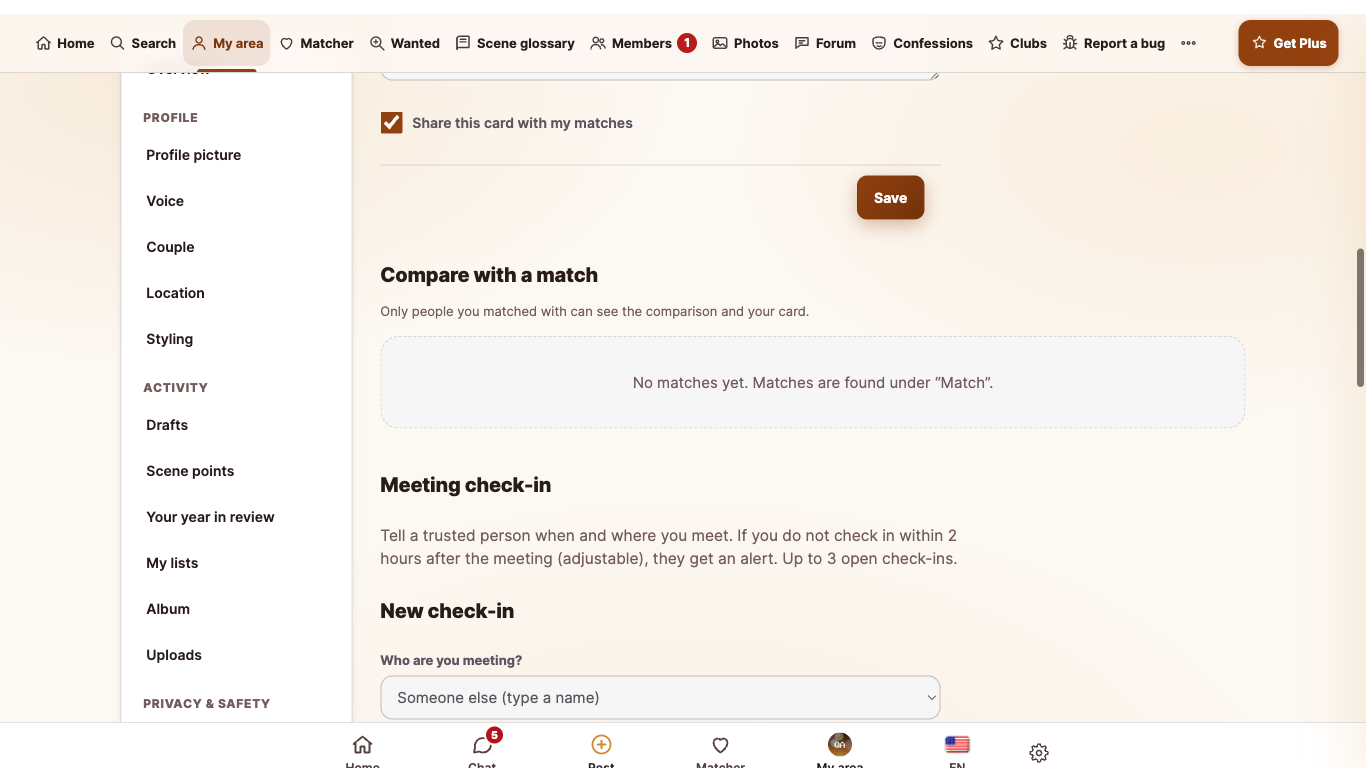
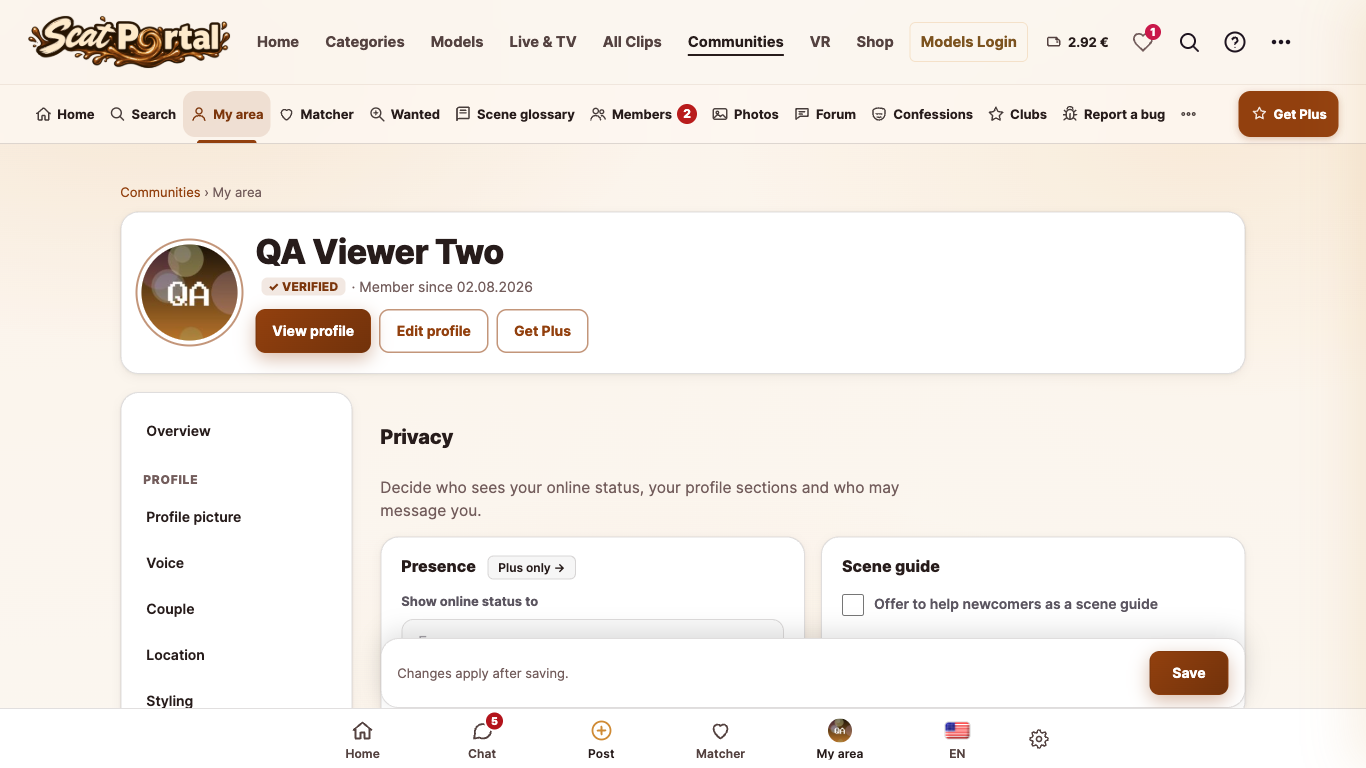
Under My area → Privacy you choose who may message you, whether your online status shows and who sees your preferences and profile facts.
2. Report and block
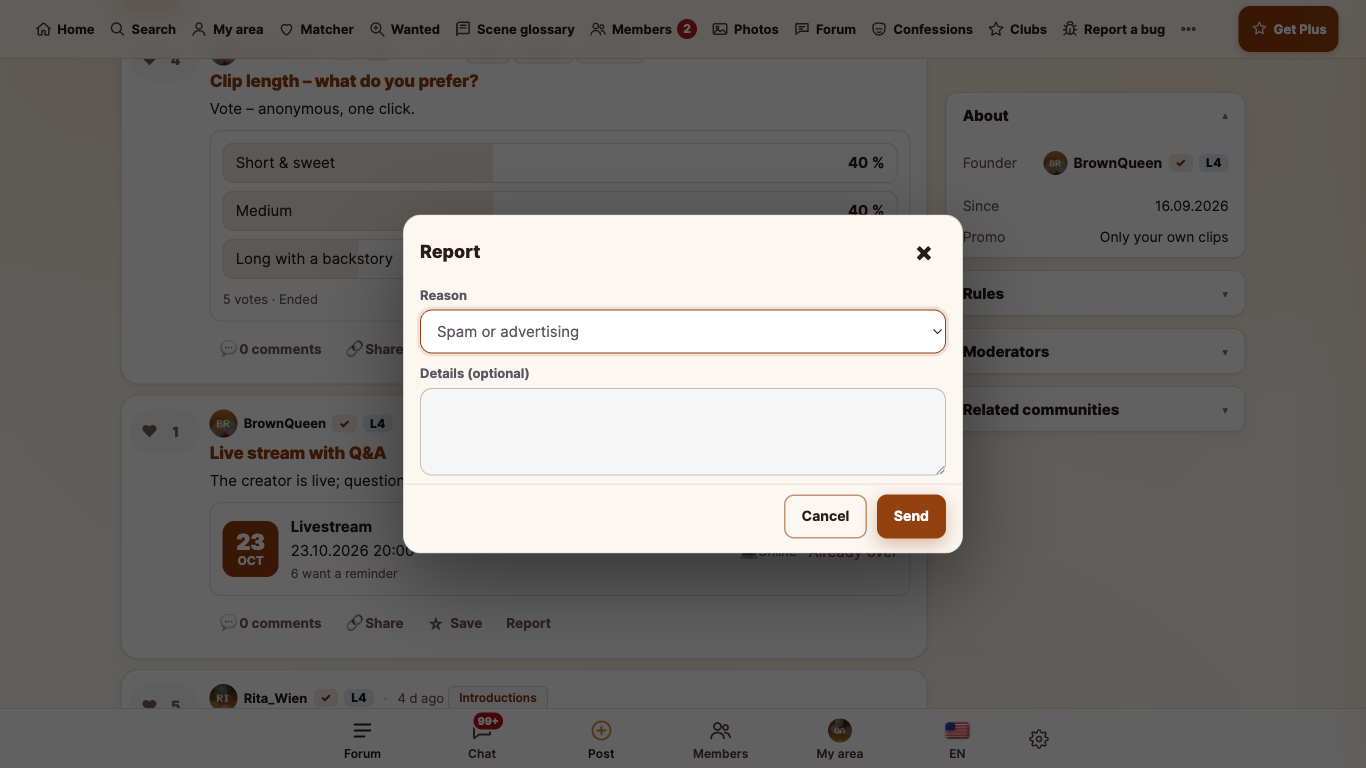
Use Report on a post, comment, message, picture or profile. Our team sees every report; content reported several times is hidden until a moderator has looked at it. Block members from their profile.
3. Play safe
Meet new people in public first and tell a friend where you are. Share your address only when you are ready. My area → Play safe lets you check in and out of a meeting so someone you trust knows you are fine.