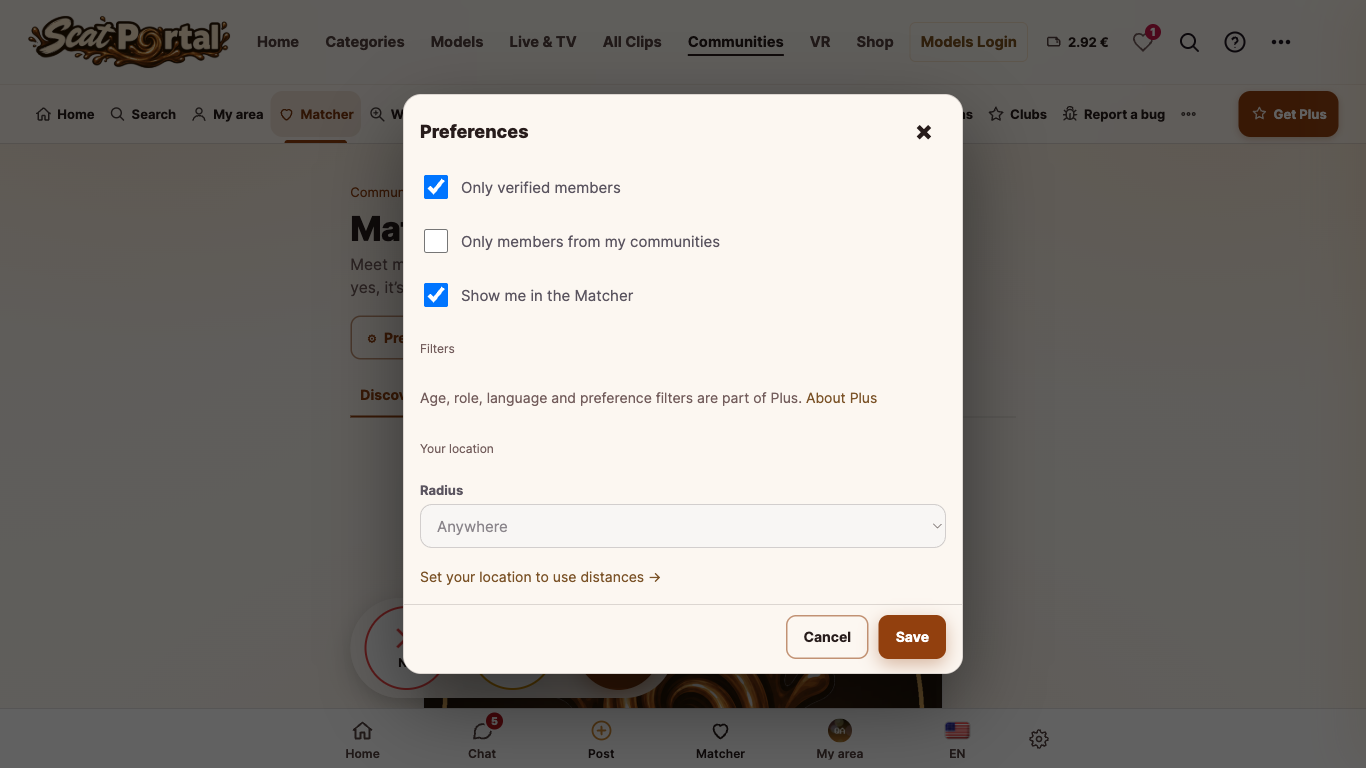
The Matcher shows you members who like what you like — one card at a time.
1. Yes, later or no
Say yes, later or no to each card, or swipe right for yes and left for no. If you both say yes, it is a match and you can chat right away. Free accounts have 25 ratings per day.
2. How well you fit
The percentage on every card shows how well your preferences fit. Your “No way” ratings stay private; the Matcher only uses them quietly.
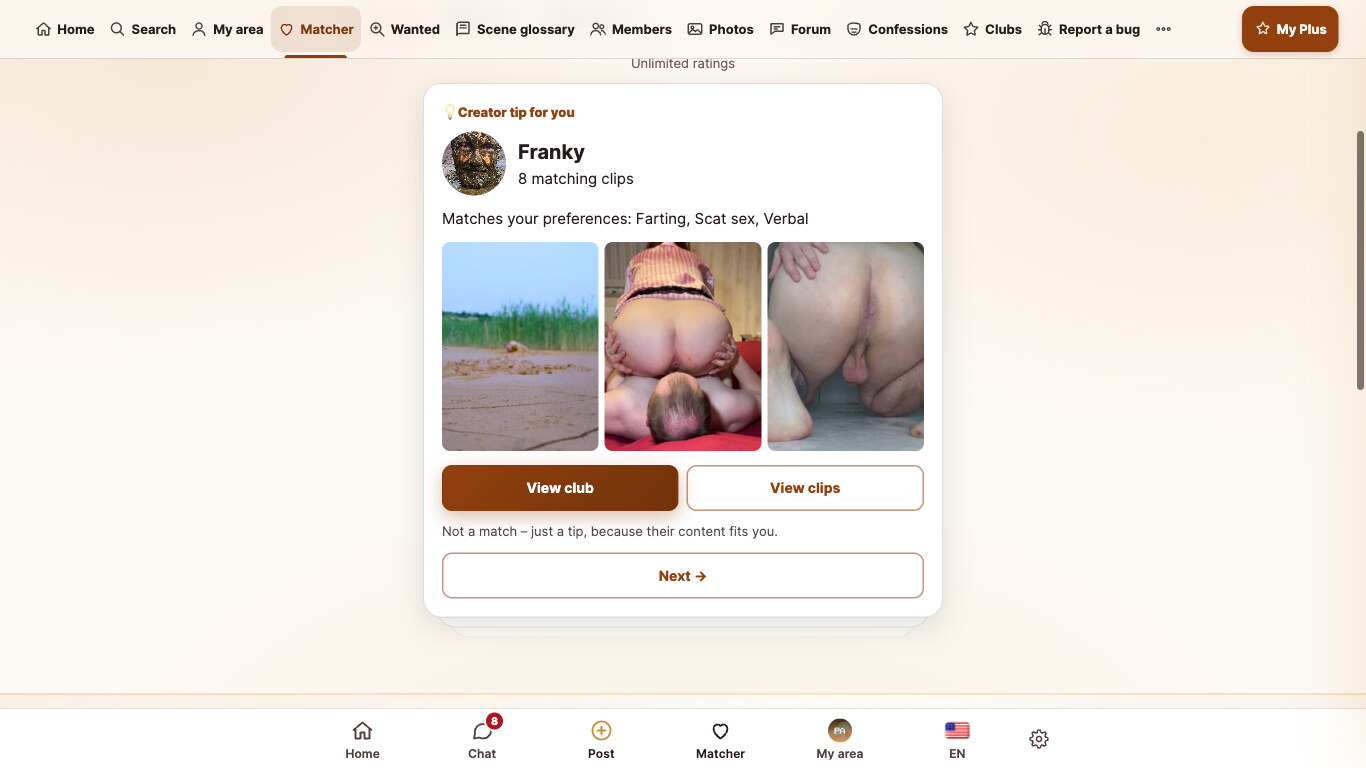
3. Creator tips
Only members are matched with each other. Now and then a “Creator tip for you” card appears: a creator whose clips fit your preferences, with links to their club and clips. It is not a match and nobody is notified — tap Next to continue.
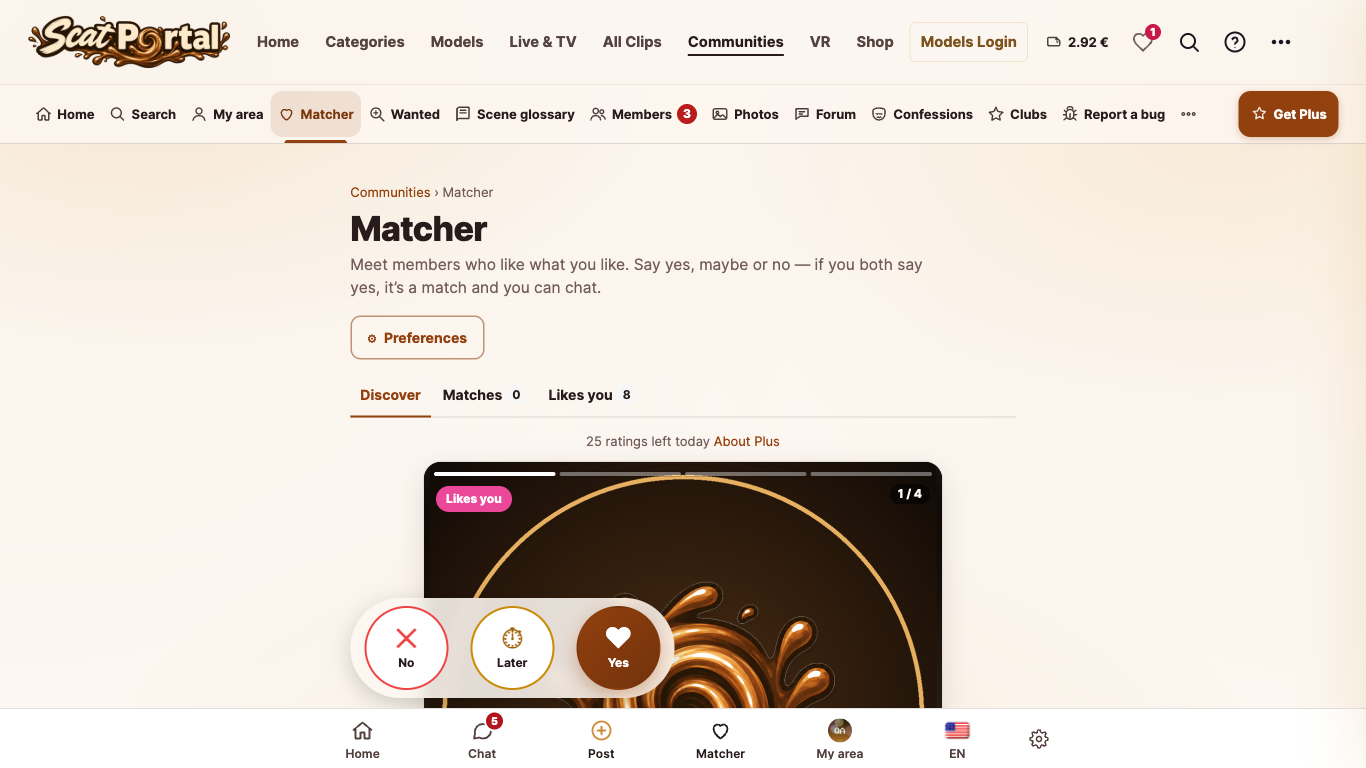
4. Preferences
Under Preferences you choose whether you only want to see verified members, members with shared communities, and whether you are shown in the Matcher at all.