Stories are short photo or video updates from creators — up to 30 seconds, visible for 24 hours, then gone. A coloured ring around a creator’s avatar tells you there is something new. Creators can also ask you something in a story — a poll, a question or a slider — and keep their best stories on their profile as Highlights. This guide shows where to find stories, how the viewer works, how to answer, what the subscribe card means, and your two story settings.
1. The ring
- Ring in the brand colour: the creator has a story you have not seen yet.
- Thin grey ring: you have seen everything that is currently there.
- Small lock on the ring: at least one of this creator’s current stories is a teaser or for subscribers only, and you are not subscribed yet. You can still open it — you get a short teaser or a blurred preview and the subscribe card.
- No ring: no story right now.
2. Where you find stories
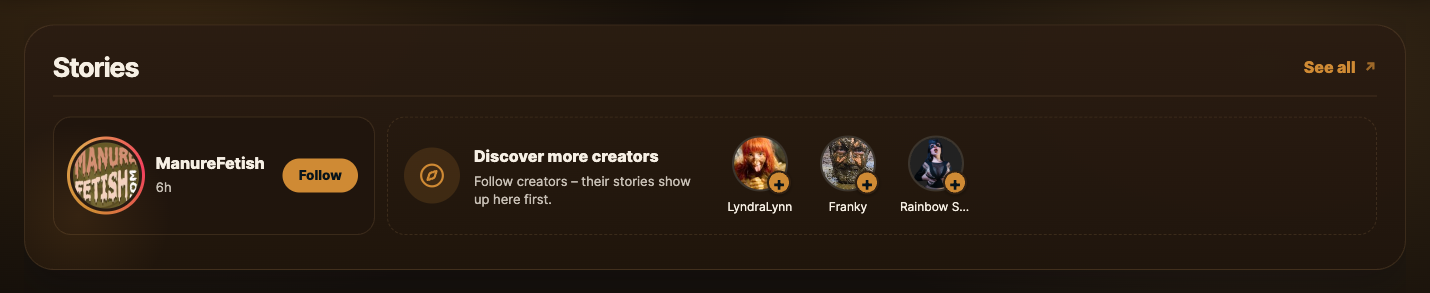
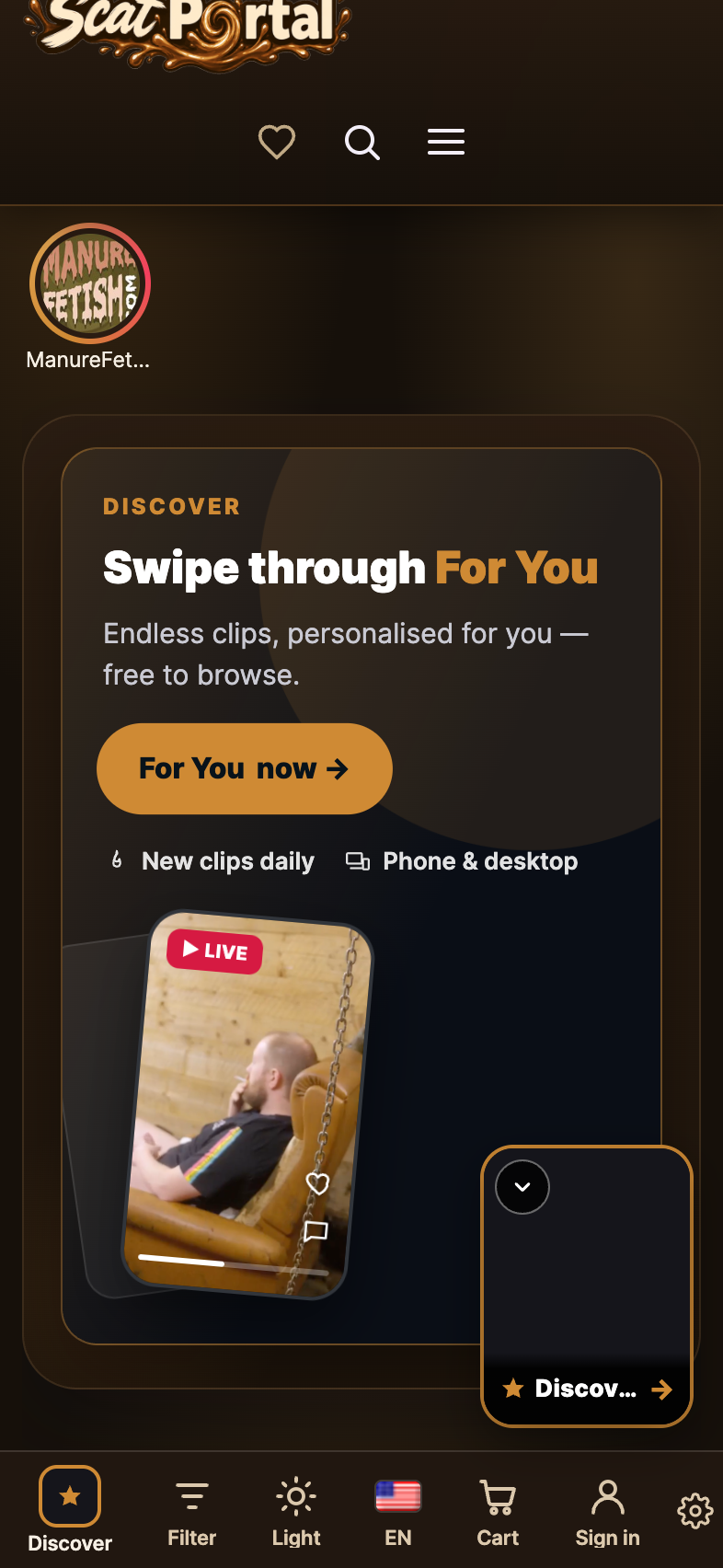
- Home page: the section Stories near the top — on a computer a card per creator with a preview (with only a few creators, a compact row with suggestions), on a phone a row of round avatars. Creators you follow come first, those with stories you have not seen at the front. The small + on an avatar, or Follow, follows the creator — the same follow as on the store page. Tap a creator; the viewer then runs through all creators, one after the other. See all opens Discover → Stories.
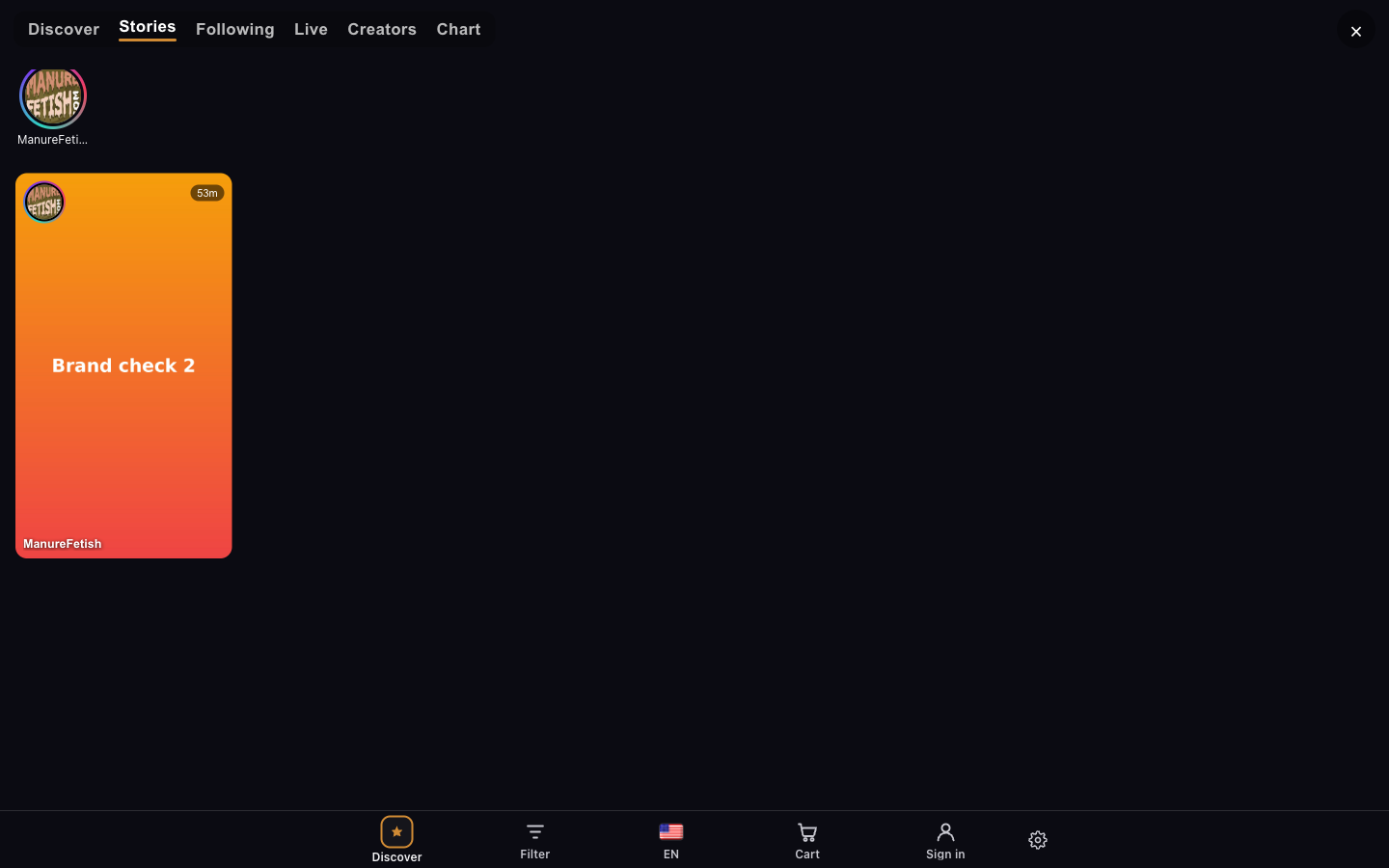
- Discover → Stories: the tab with the same bar on top and a grid of all current stories below — with the creator’s name, the age (4h) and a lock where a subscription is needed. Tap a tile to start with that creator.
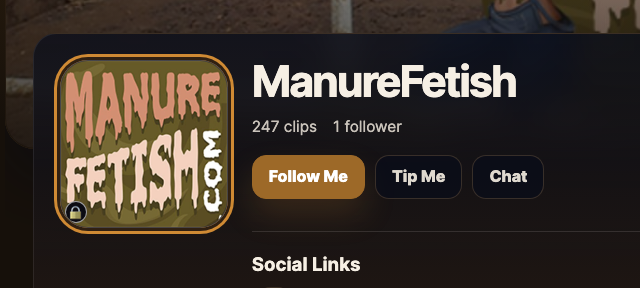
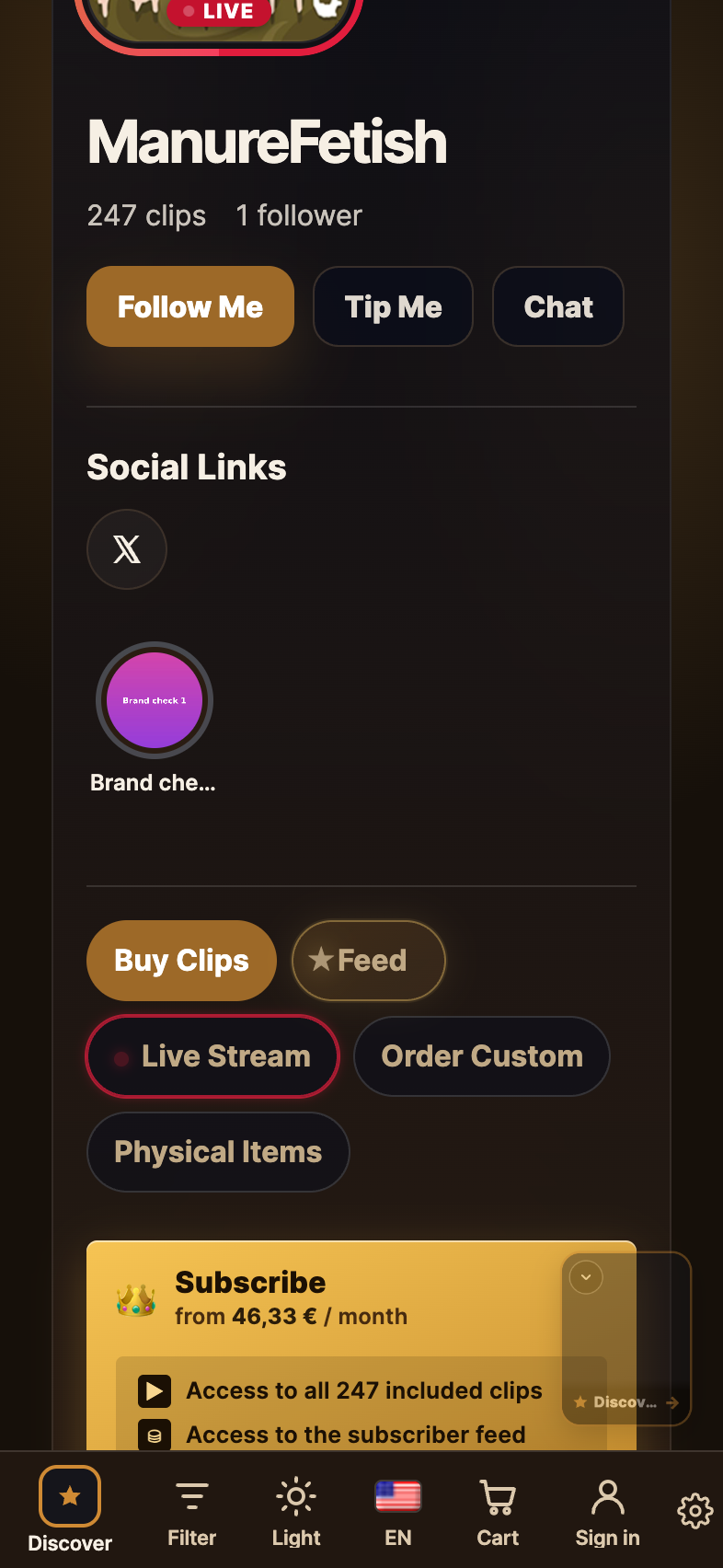
- Store page: while there is a story you have not seen, a moving ring runs around the avatar and a New story label sits on top. If the creator is live at the same time, the left half of the ring is the story ring and the right half is red for live. Tap the avatar to watch. The round covers below the profile are the creator’s Highlights (section 5).
- Clip pages and feed posts: the creator’s avatar there carries the ring as well.
- Push notification: if you follow creators and have the daily reminder switched on (section 8), you get at most one notification a day — New stories — that opens the viewer.
3. The viewer
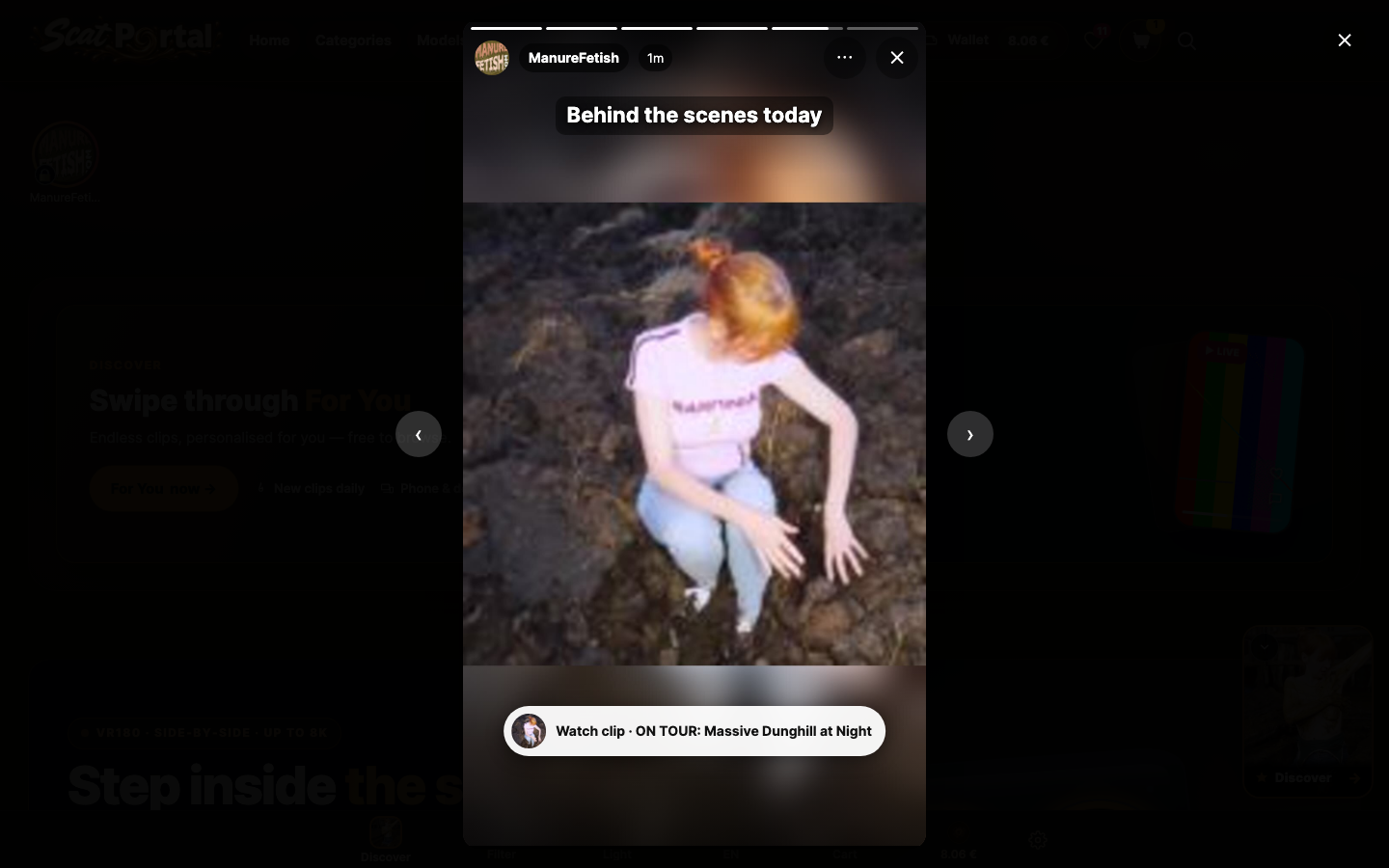
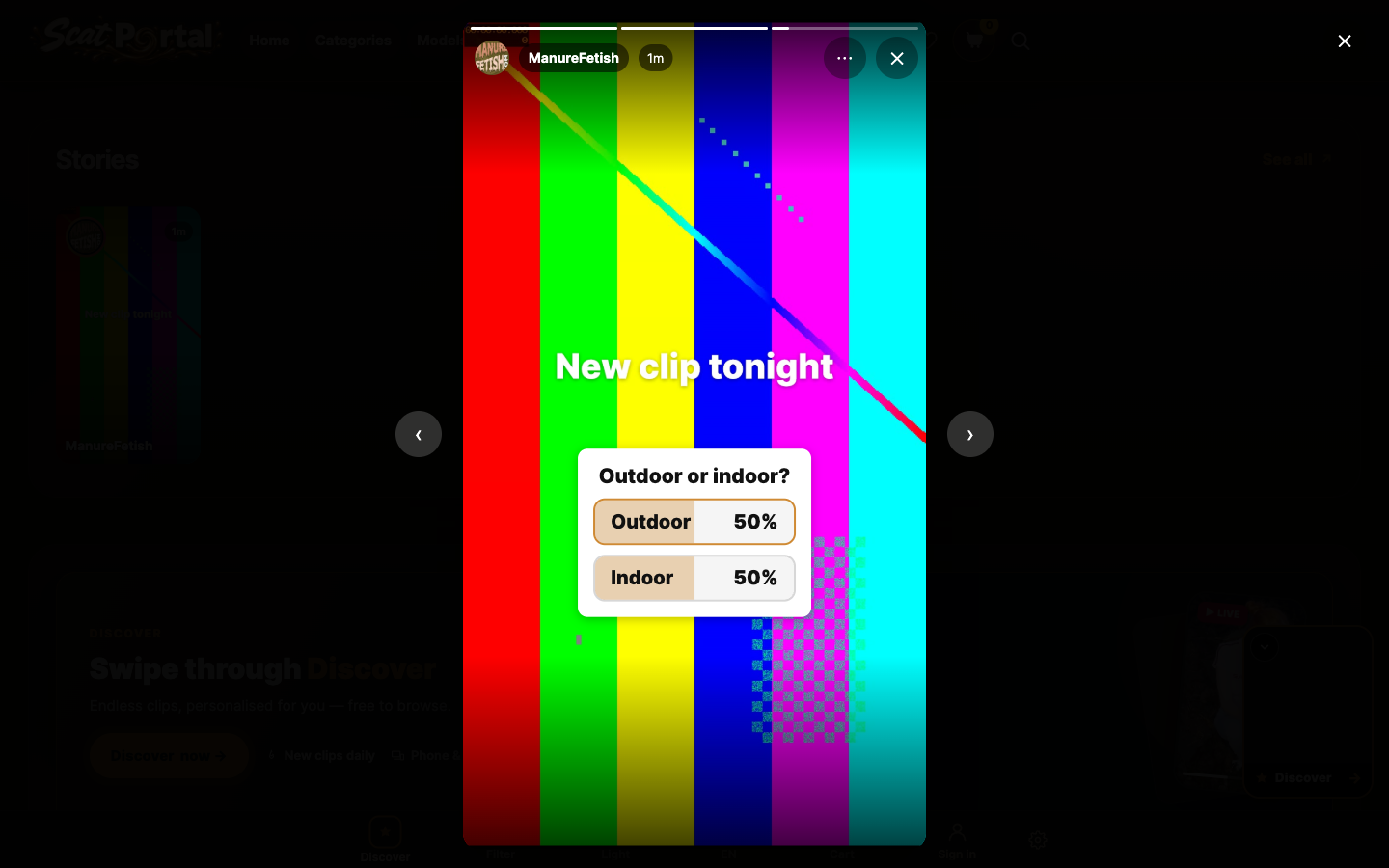
The viewer opens on top of the page: on a phone it fills the whole screen edge to edge, on a desktop it is a portrait card in the middle with arrows on the left and right. At the top you see one progress bar per story of this creator, the creator’s avatar and name (tap it to open the store), the age of the story, the speaker button on video stories, the ⋯ menu and the ✕ to close. A photo runs for 5 seconds, a video for its own length. When all stories of a creator are through, the next creator in the bar starts; after the last one the viewer closes.
On a phone:
- Tap the right two thirds of the screen — next story. Tap the left third — previous story.
- Hold — pause. Let go to continue.
- Swipe left or right — next or previous creator.
- Swipe down — close.
- Swipe up — open the linked clip, or the creator’s store if there is no clip. On a teaser story swipe up shows the subscribe card.
- The Back button of your phone or browser closes the viewer too.
On a desktop: click the arrows or use the keyboard — → next, ← previous, Space pause and continue, Esc close. Click and hold on the story pauses it.
Sound: videos start muted. Tap the speaker button or the story once (Tap for sound) to switch sound on; the viewer remembers your choice for the rest of your visit.
Stickers you can tap: a clip card opens the clip page, Shop the creator’s store, Subscribe the subscription, a @name another creator’s store, a #hashtag the matching clips, and a link sticker opens the address in a new tab. Stories posted with a feed post show Open post.
Send message: if the creator has chat switched on, the bottom line Send message opens your chat with the creator. Otherwise the bottom shows the hint Swipe up where a swipe leads somewhere.
4. Answering: polls, questions, sliders
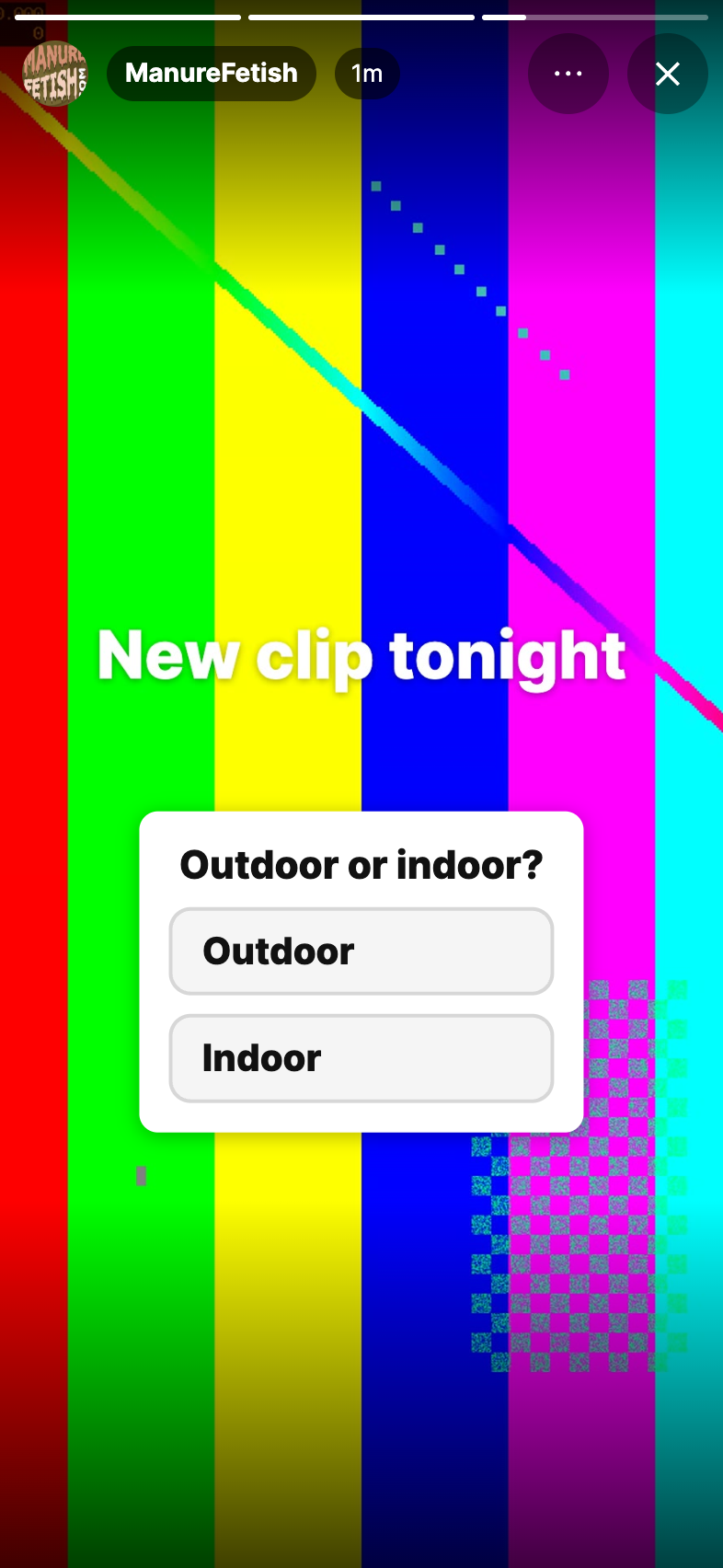
- Poll: tap your answer. You then see the result in per cent; your vote is marked. One vote per story.
- Questions: type into the field and press the arrow. Only the creator sees your answer, with your name — you need to be logged in.
- Slider: slide the emoji to show how much you like it. Afterwards you see the average.
- Countdown: shows how long it is until the date the creator set, for example a new clip.
While you type an answer the story pauses. Guests can vote in polls and sliders; the vote is kept on their device.
5. Highlights
Highlights are collections of older stories that a creator keeps on the store page — the round covers with a title below the profile. Tap one to watch all its stories in the same viewer; the date of each story is shown at the top. Teaser and subscriber stories stay locked inside a highlight too. Highlights do not expire.
6. Teaser and subscribers-only stories
Creators choose per story who can see it. If you are not subscribed to the creator:
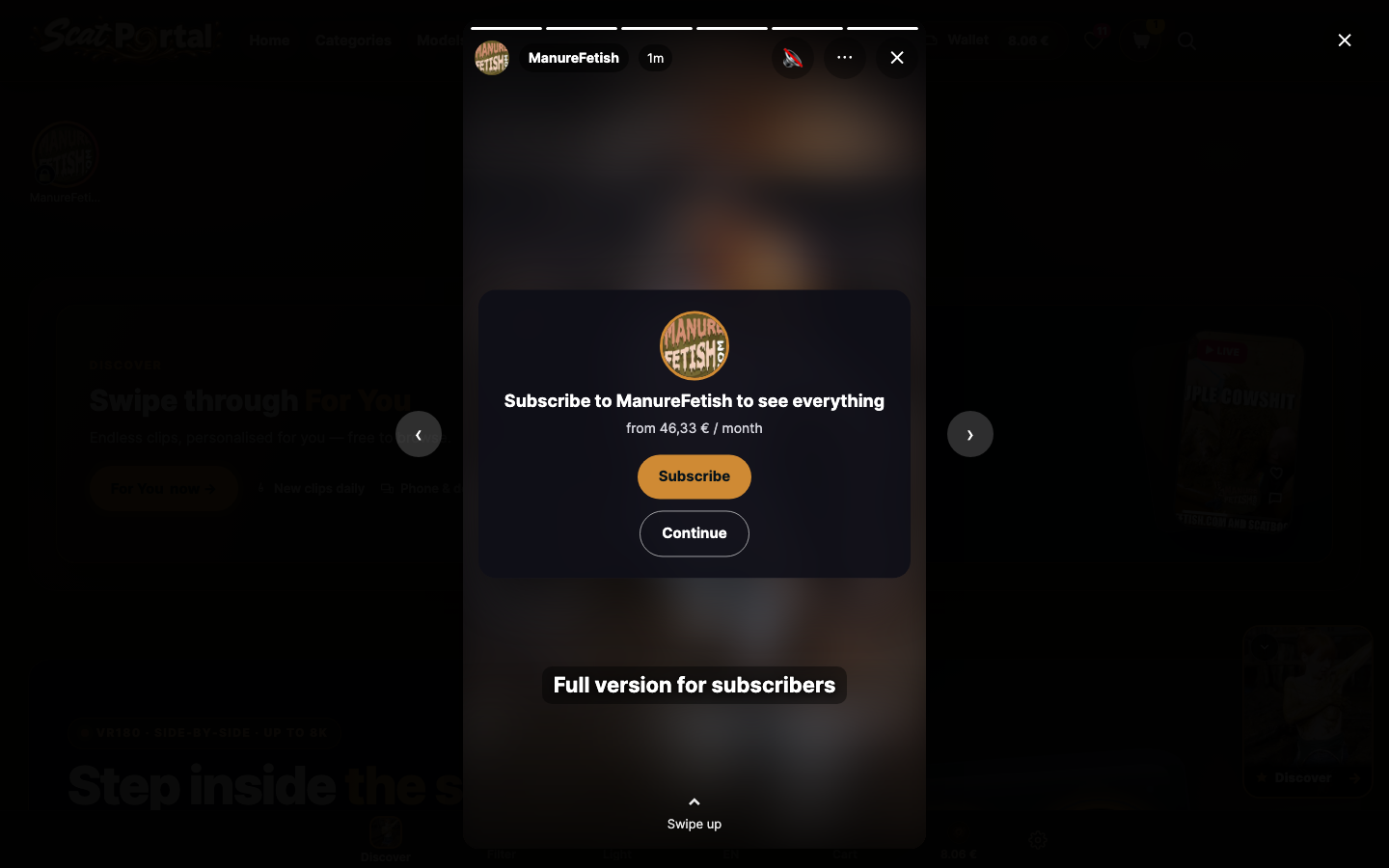
- Teaser: you see the first 3 seconds of a video, or a blurred version of a photo. Then the picture freezes and a card appears: Subscribe to <name> to see everything, the price of the creator’s cheapest plan, and the button Subscribe. Continue skips to the next creator.
- Subscribers only: the blurred still and the same card right away.
- Not logged in: the card offers Log in as well; after logging in you land back in the story.
Subscribe takes you to the normal subscription checkout — see Subscribing to a creator. As a subscriber you see every story of that creator in full, without the card.
7. Reporting a story
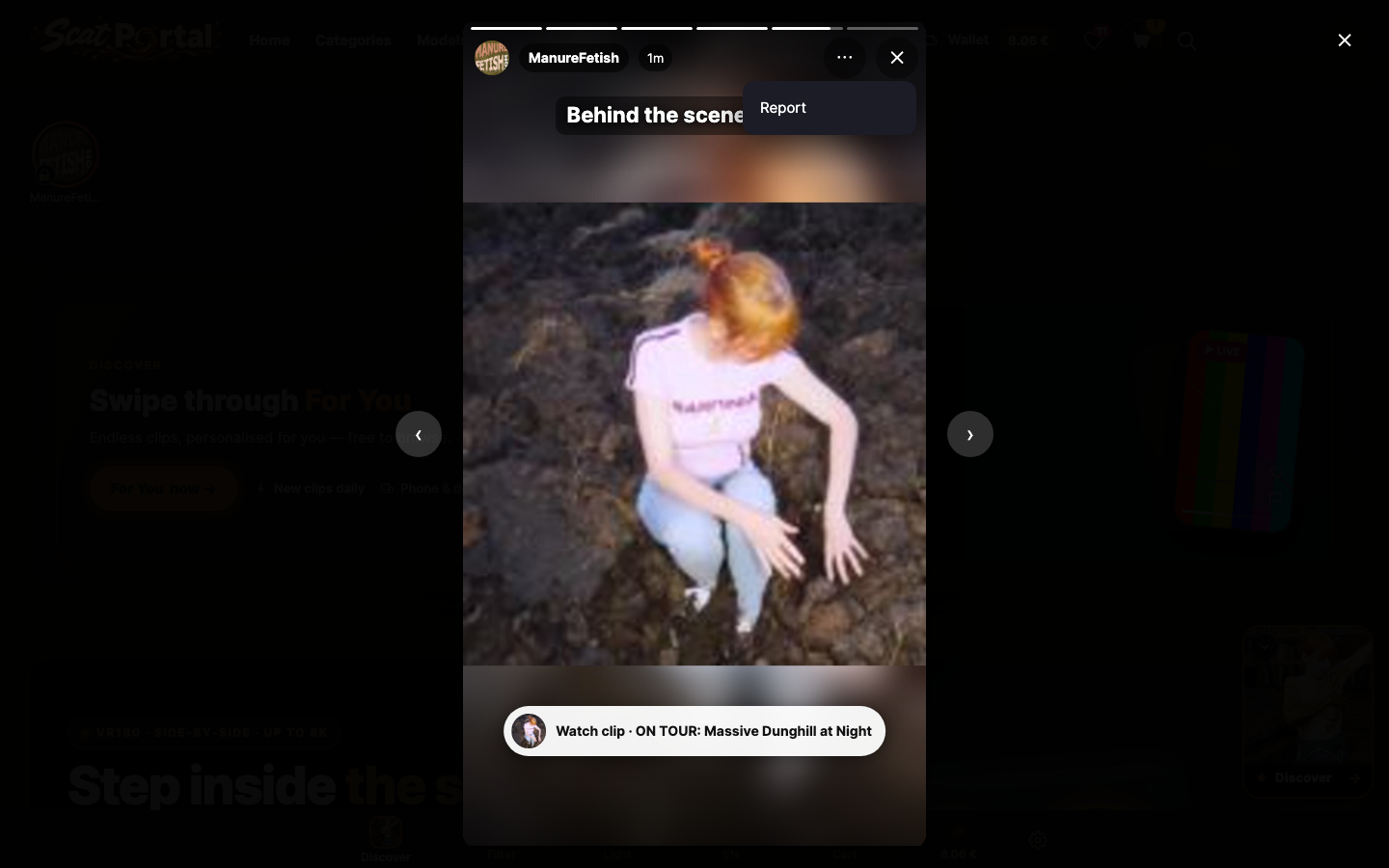
Open the ⋯ menu at the top of the story and choose Report. You see Thanks, reported. — after several reports the story is hidden until an admin has checked it. If you are not logged in, the menu offers Log in instead. For anything urgent use Reporting a creator or content.
8. Your two story settings
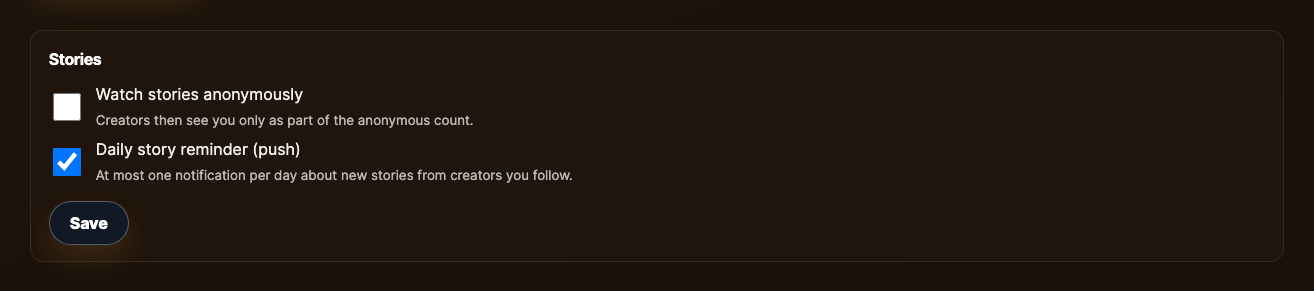
Go to My account → Notification preferences. In the block Stories you find:
- Watch stories anonymously — Creators then see you only as part of the anonymous count. Off by default: creators see your name and whether you subscribe or follow in their viewer list. Switch it on and you only count as anonymous. The setting applies from the next story you watch.
- Daily story reminder (push) — At most one notification per day about new stories from creators you follow. On by default, sent in the early evening only on days when a creator you follow (and do not subscribe to) posted something. No e-mails are sent for stories.
Tick or untick the boxes and press Save directly below the block.
9. Good to know
- Stories disappear 24 hours after posting, unless the creator puts them into a highlight. A link to an expired story shows This story has expired.
- Guests who are not logged in can watch public stories too; they are only counted as guests.
- Your viewing is bundled: the creator sees that you watched, not how often.