The community is where members of this site meet: forums, chats, clubs of your favourite creators, events and a Matcher. Here is how to get going.
Video guide
1. Open the community
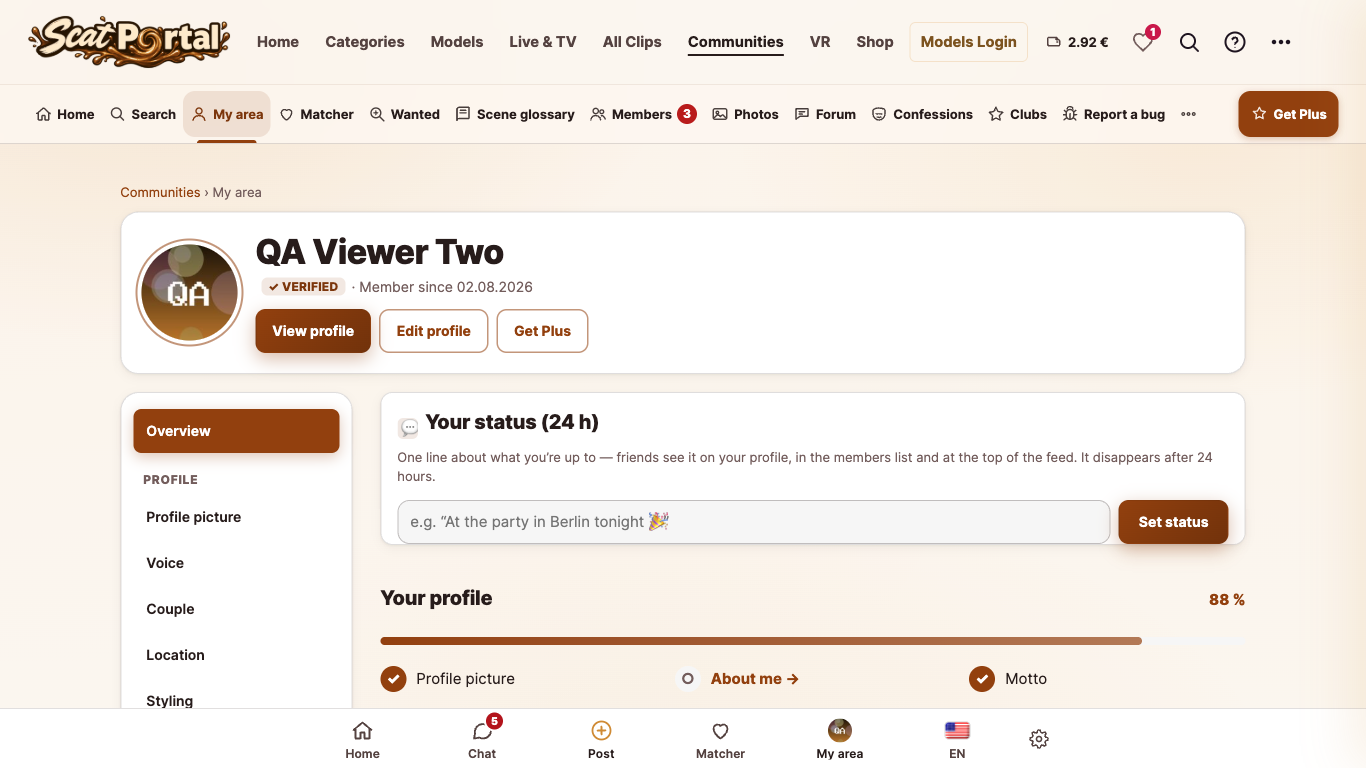
Sign in and choose Communities in the top menu. On the phone the community bar sits at the bottom: Home, Chat, Post, Matcher and My area. More areas are behind the menu at the top.
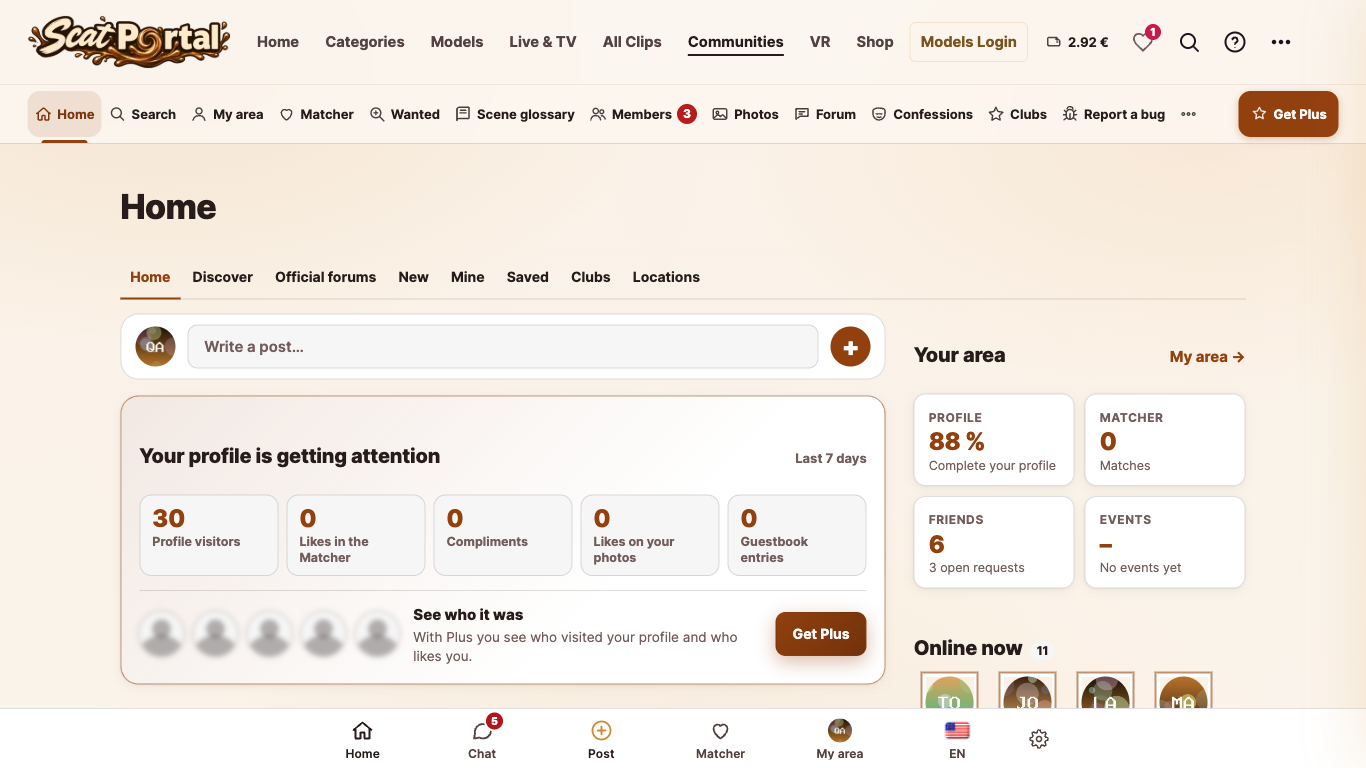
2. Choose your public name
When you sign up you get a username. Under My Account you keep it or choose your own — creators and other members only ever see this name, never your email.
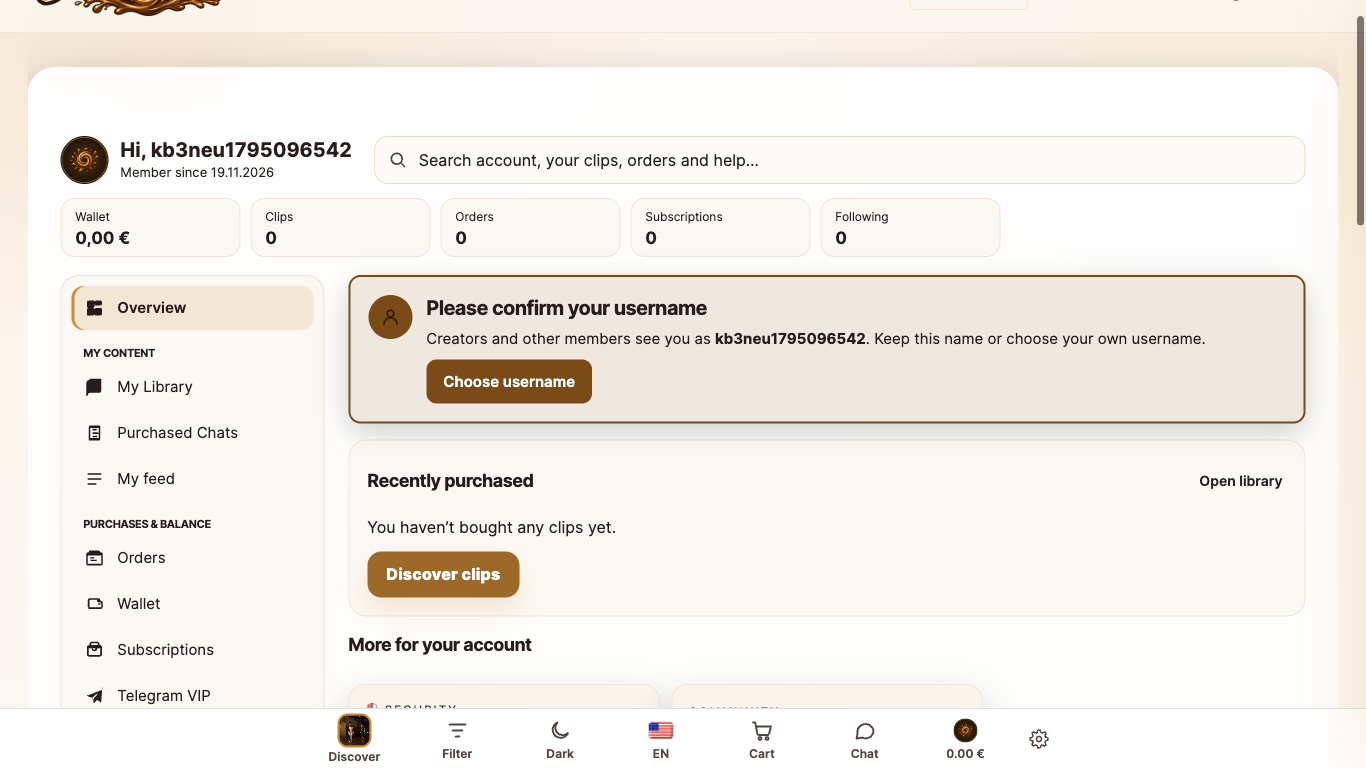
3. Add a picture and a few words
Open My area and add a profile picture, a motto and what you are looking for. Members with a picture get far more answers, and you need a few profile details before you can write to others — that keeps bots out.
4. Need help?
In creator clubs, boxes such as Wishes or Fan wall have a small ? that opens the matching help. Something not working? Use Report a bug in the menu.